An app promo video is a 15 to 30 second ad for your app: it hooks the viewer in the first two seconds, shows three moments where the app does something useful, and ends on a card that says where to get it. The fastest way to make a good one is to film your real app, cut it down to its best moments, add captions and music, and export one file per channel.
Search for this topic and most results are After Effects templates and agency showreels. Templates put fake screens in a spinning phone; agencies cost weeks. This guide is for a developer who wants a promo built from the real app, in an afternoon. Apple's rules quoted below come from the App Store marketing guidelines and the App Previews page, both checked on November 15, 2026.
App promo video vs demo video vs App Preview
The three get mixed up, and the difference decides the length, the pace and what you are allowed to show.
| App promo video | App demo video | App Preview | |
|---|---|---|---|
| Job | Make someone want the app | Show how one task works | Show the app on its App Store page |
| Length | 15-30 s, 6-15 s for ads | 15-60 s | 15-30 s (Apple's limit) |
| Pace | Fast, best moments only | The whole task, start to result | Real use, cut tight |
| Extras | Title and end cards, music, device frame | Captions, zooms | Captions; no hands, no device frames |
| Where it plays | Ads, launch posts, website hero, Product Hunt | Docs, posts, help pages | App Store product page, search results, Apple Ads |
A demo answers "how does it work?" A promo answers "why should I care?" in less time, so it skips setup and keeps only the moments where something changes on screen. If you need the step-by-step version, see how to make an app demo video; choosing between product video types, with a script template, is in product demo video.
The 15-second structure that works
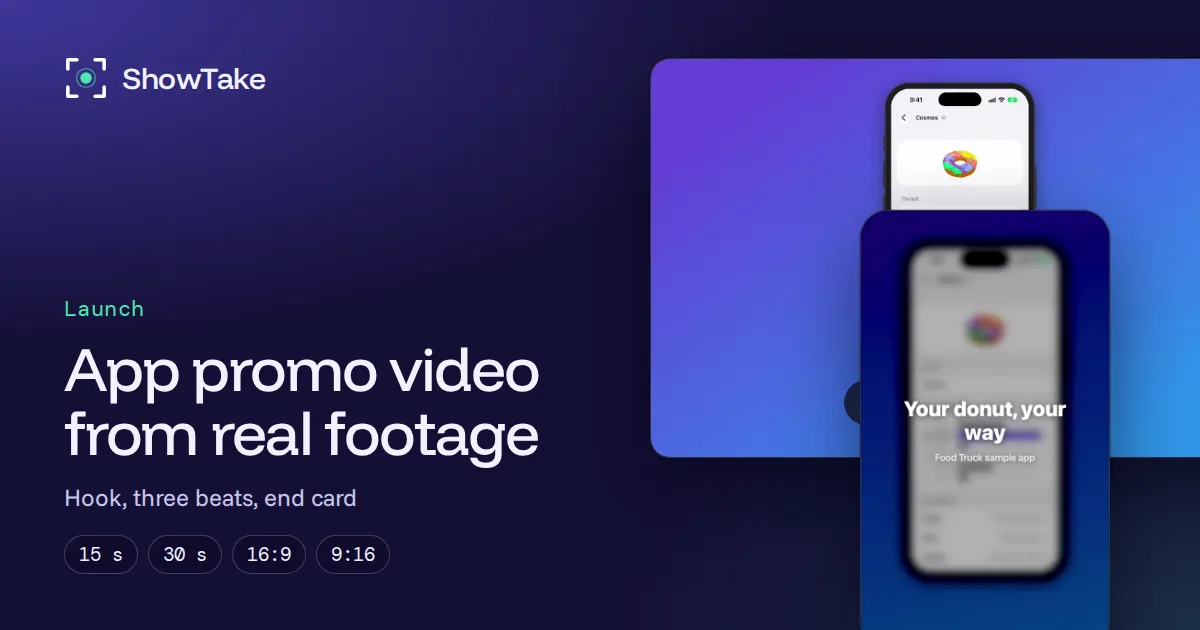
Most app promos that hold attention share one shape. Here it is with timings, and how the Food Truck cut above follows it.
| Time | Beat | What is on screen | Food Truck cut |
|---|---|---|---|
| 0-2 s | Hook | The most visual screen of the app, with a 3 to 6 word promise | "Food Truck: design your perfect donut" |
| 2-6 s | Moment 1 | The first action and its result | Pick a donut |
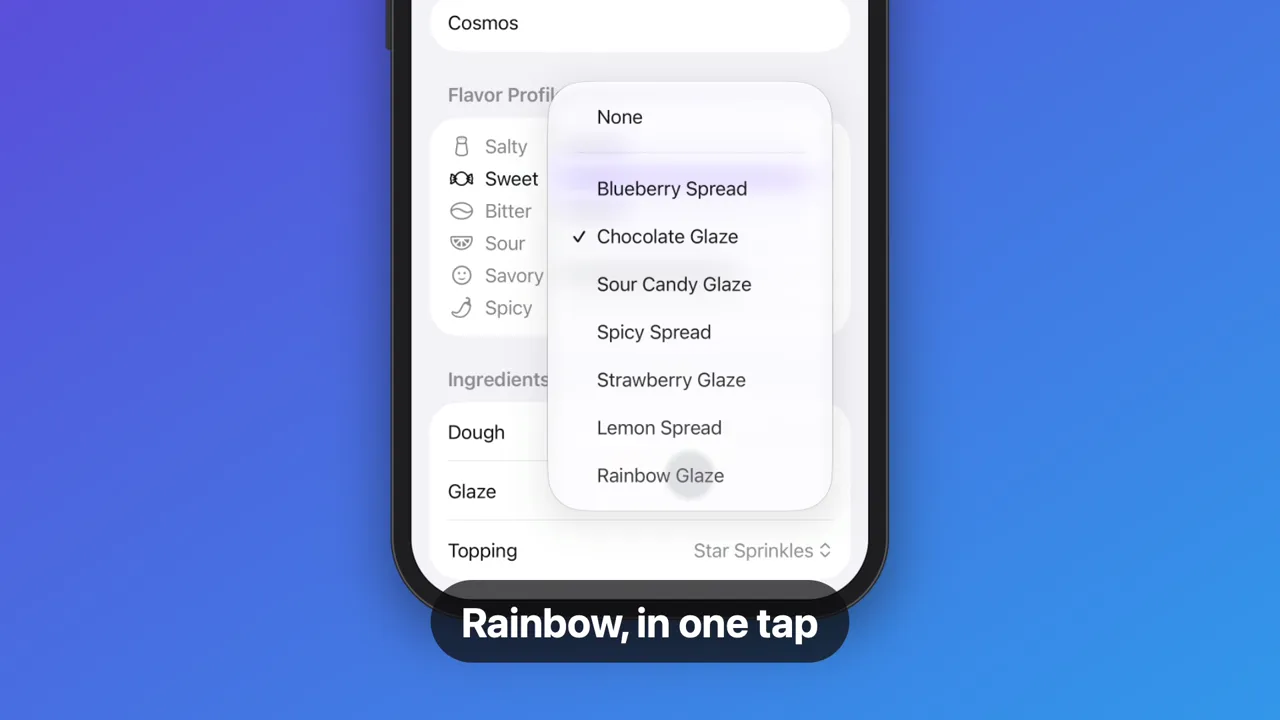
| 6-10 s | Moment 2 | The action that makes the app different | Swap the glaze, rainbow in slow motion |
| 10-13 s | Moment 3 | A finished result the viewer wants | Topping added, "Done in five taps" |
| 13-15 s | End card | App name, one line, where to get it | "Your donut, your way" |
For a 30-second version, keep the same five beats and give each moment more room, or add a fourth moment. Do not add a slow intro: the hook is the first frame, because feeds autoplay and people decide in the first second whether to keep watching.
Three rules carry most of the weight:
- One promise. Pick the single outcome the app gives ("design your donut", "split a bill in 10 seconds") and make every moment prove it.
- A hero moment. One change on screen deserves slow motion or a zoom: the moment a chart fills, a photo transforms or a glaze turns rainbow. Viewers remember that frame.
- Readable with the sound off. Apple's own App Previews page says previews play muted by default and suggests copy on screen for context. Social feeds behave the same. One caption per moment, 3 to 6 words.
How to make an app promo video in 6 steps
- Write the promise and pick three moments from the app, each with a visible change.
- Prepare real footage: a clean device, believable data, one take per moment or one take of the whole flow.
- Cut to the moments: remove waiting, speed up typing and loading, slow down the hero moment.
- Add a title card, captions and music that you are licensed to use in ads.
- End on a card with the app name, one line and the App Store badge where the channel allows it.
- Export one file per channel, at its size and length.
1. Write the promise and pick three moments
Write the promise as the line you would put on the title card, then list the screens that prove it. If a moment needs an explanation, drop it. Settings screens, onboarding and sign-in never make the cut.
2. Prepare real footage
Templates are fast because they skip this step, and that is also why template promos look alike: the screens are flat images in a 3D phone. Real footage of your app moving is the one thing no competitor can copy.
The iOS Simulator is the easiest device to film: exact pixels, a status bar you can override and takes you can repeat. Every method and flag is in how to record the iOS Simulator, and the status bar and demo data settings are in demo mode. For a Mac app, see how to screen record on Mac with audio.
3. Cut to the moments
The raw take behind the Food Truck promo is 50 seconds of seven taps; the promo keeps five of them and runs 23 seconds. The cut removes the time between taps and speeds through menus opening, while each tap and its result stay at normal speed so the cause and effect are readable. Then pick the hero moment and slow it to half speed for a second.
If your promo shortens real app sequences and shows an Apple device, Apple's marketing guidelines ask for a disclaimer: "If app sequences are shortened, display a 'sequences shortened' disclaimer." Put it in small text near the end card.
4. Add a title card, captions and music
The title card is the hook: app name plus the promise, over a softened first frame, for one to two seconds. Captions then name each moment by its benefit, not its button ("Rainbow, in one tap", not "Tap Rainbow Glaze").
Music needs a license that covers ads, in every country where the video runs. Apple's App Previews page makes the same point for any protected content: "ensure you have the appropriate licensing rights for your marketing use in all territories." Public-domain (CC0) tracks are the simplest. Pick one with energy that matches the cut and let it fade out on a bar line, not mid-note. Details of how ShowTake mixes music and captions are in music and captions.
5. End on a card
The last two or three seconds tell people what to do: app name, a short line and where to get it. If you use Apple's "Download on the App Store" badge, its rules are strict (next section). On channels with their own install button, such as Apple Ads, skip the badge and keep the app name.
6. Export one file per channel
One edit, several files. A 16:9 promo in a vertical feed becomes a thin strip; a 9:16 one on a website looks like a mistake. These are the sizes we export to, from our free video size tool:
| Platform | Use | Size | FPS | Notes |
|---|---|---|---|---|
| App Store | App Preview, iPhone 6.9" to 6.1" | 886×1920 | ≤30 | 15-30 s, frameless |
| App Store | App Preview, iPhone 5.5" | 1080×1920 | ≤30 | 15-30 s, frameless |
| App Store | App Preview, iPad 13" and 11" | 1200×1600 | ≤30 | 15-30 s, frameless |
| App Store | App Preview, Mac | 1920×1080 | ≤30 | 15-30 s, frameless |
| App Store | Header video | 3840×1646 | 30 | 5-30 s, backgrounds allowed |
| App Store | Screenshots, iPhone 6.3" (required) | 1206×2622 | - | PNG or JPEG, no alpha |
| YouTube | Product Hunt video link | 1920×1080 | 30-60 | Posted by link |
| X | Landscape post | 1920×1080 | 30-60 | Up to 2 min 20 s |
| X | Square post | 1080×1080 | 30-60 | Up to 2 min 20 s |
| X | Vertical post | 1080×1920 | 30-60 | Fills the phone timeline |
| TikTok | Video | 1080×1920 | 30-60 | Keep captions out of the bottom 20% |
| Reels | 1080×1920 | 30-60 | Grid crops to 3:4 | |
| YouTube | Shorts | 1080×1920 | 30-60 | Vertical or square |
| YouTube | Video | 1920×1080 | 30-60 | 3840×2160 for 4K |
| Landscape post | 1920×1080 | 30 | Square plays larger in the feed | |
| Square post | 1080×1080 | 30 |
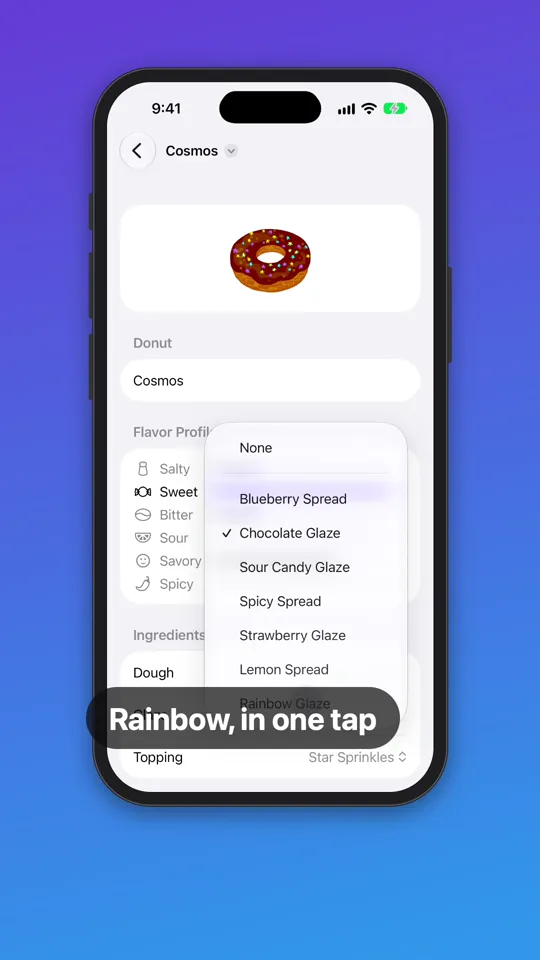
An App Preview is a special case. If the promo should also play on your App Store page, export a separate frameless version without the end card's badge or prices: Apple's App Previews page says previews "must show only content within the app itself" and should not include specific prices. The full rules are in how to make an App Store preview video, and the free App Preview checker tests a file before you upload it.
Apple's rules for badges and devices in promo videos
If your promo shows the App Store badge or an Apple device, Apple's marketing guidelines apply. The rules most promo videos break, quoted from the page on November 15, 2026:
Templates, agencies or real footage?
Each route works; they differ in what the viewer sees and what it costs you each time the app changes.
| Route | What you get | Effort per video | Watch out for |
|---|---|---|---|
| After Effects or online templates | Motion graphics around screenshots | Hours, plus template learning | Static screens; looks like every other template |
| Agency or freelancer | Custom script, animation, voice | Days to weeks, budget per video | Out of date after the next redesign |
| Code-to-video tools | Animated titles and layouts from code | Hours to set up, minutes to re-render | They compose footage; they do not film your app |
| Screen recording + a video editor | Real footage, edited by hand | A few hours per cut | Zooms, captions and sizes are manual every time |
| ShowTake with your coding agent | Real footage, cut, captioned and sized | One prompt; replays after updates | iOS Simulator and Mac apps only |
Templates make sense for a teaser before the app exists. Once it runs, real footage wins: it is what people will see after they install, so the promo makes a promise the app keeps.
Making the promo with your coding agent
The Food Truck promo above was made by ShowTake, a Mac app with a built-in MCP server. Your coding agent (Claude Code, Codex, Cursor) uses it to film your iOS Simulator or Mac app and edit the take into finished videos.
- Film: the agent prepares a clean simulator (9:41 status bar) or sizes your Mac app's window, then taps through the moments while ShowTake records the screen and logs every tap with the element's frame.
- Cut: smart pacing speeds up waiting and typing while taps and results play at normal speed;
slow_moplays the hero step at half speed; zooms land on each tapped element. - Dress: a title card and an end card, one caption per step in a style you choose, and a track from a built-in library of 15 CC0 tracks, cleared for ads and App Store previews with no credit needed.
- Export: one file per preset (X, TikTok and Reels, YouTube, LinkedIn, App Preview), each checked against its rules; App Previews come out frameless and 15 to 30 seconds.
- Re-shoot: the take is saved as a flow, so after a redesign the promo is one replay, not a new project.
Paste into your agent
Make a 20-second promo video of the app in the iPhone 17 Pro simulator.
Title card: "Food Truck: design your perfect donut".
Show: pick a donut, swap the glaze (slow motion on the rainbow glaze), add a topping.
One short caption per step, upbeat music, end card "Your donut, your way".
Export for X (16:9) and a 9:16 cut for TikTok and Reels.What it does not do: it does not film real iPhones, Android apps or a webcam, it does not animate mockups of screens that do not exist yet, and it does not place Apple's badge artwork for you (put the badge on in your editor if you need it). It films your real app.
Free vs Pro. The free plan films, adds title and end cards, captions and library music, and exports the X 16:9 preset with a small watermark. Pro adds every other preset (vertical, square, YouTube, LinkedIn, App Previews), App Store screenshots and the launch kit, 4K, batch replays and your own audio files such as a voice-over. To start, connect your agent or download ShowTake.
Film it with your agent
ShowTake is a Mac app with a built-in MCP server: your coding agent drives your app and ShowTake renders the zooms, captions and every export size. Free to try, with a watermark.
Common questions
How long should an app promo video be?
15 seconds for ads and feeds, up to 30 seconds for launch posts and your website, and 15 to 30 seconds if it doubles as an App Store App Preview (Apple's limit). Keep the same structure at every length: hook, three moments, end card.
What should an app promo video include?
A hook in the first two seconds with the app's one promise, three moments of the real app doing something visible, one caption per moment for viewers with the sound off, licensed music and an end card with the app name and where to get it.
Can I use the App Store badge in my promo video?
Yes, with Apple's official artwork: one badge per video, not the dominant element, not animated, angled or modified, at least 40 px high on screen, and credit lines for Apple's trademarks at the end of the video, per Apple's marketing guidelines.
Can my promo video be my App Store preview?
Only a separate version of it. App Previews must show only content within the app itself, so no device frames, hands or badges; they should leave out specific prices and must be 15 to 30 seconds. Export a frameless cut for the App Store and keep the framed one for social posts and ads.
What is the best app to make an app promo video?
For animated teasers before launch, template tools are quickest. Once the app runs, record the real app: QuickTime or the Simulator's recorder plus any editor works for a one-off, and ShowTake does the filming, cutting, captions and every size through your coding agent, for iOS Simulator and Mac apps.
ShowTake for Mac
Let your coding agent film the demo
Your agent drives your iOS app in the Simulator or your Mac app; ShowTake records every tap and renders zooms, captions, App Store previews, screenshots and social cuts. Free to try, with a watermark.