The main Remotion alternatives in 2026 are HyperFrames (videos as HTML, Apache 2.0), Motion Canvas and Revideo (videos as TypeScript generator code, MIT), Editly (videos as a JSON clip list on top of ffmpeg, MIT) and two hosted render APIs, Shotstack and Creatomate. Pick by the language you want to write, the license your team needs and where the render runs; and if the video is a demo of your own app, add a recorder, because none of these tools films an app.
We make demo videos of iPhone and Mac apps for a living, and we use code-made video next to recorded footage every week. Every number on this page (stars, versions, prices) was checked on the project's own GitHub page or pricing page on November 14, 2026.
Remotion alternatives at a glance
| Tool | You write | License and cost | Renders | Best for |
|---|---|---|---|---|
| Remotion | React components | Free up to 3 people, then a paid company license | Locally, your servers, serverless | Data-driven video, video apps, design systems |
| HyperFrames | HTML, CSS, seekable animations | Apache 2.0, free; optional paid Studio plan | Locally (CLI), cloud option | Agent-made promo and explainer videos |
| Motion Canvas | TypeScript generators | MIT, free | In the browser editor | Vector explainers synced to voice-over |
| Revideo | TypeScript generators | MIT, free | Headless API, serverless, parallel | Automated renders from code templates |
| Editly | JSON or JavaScript clip list | MIT, free | Locally with ffmpeg | Stitching clips, slideshows, simple trailers |
| Shotstack and Creatomate | JSON over a REST API, or templates | Paid per minute or per credit | Their cloud | Thousands of templated videos, no servers |
GitHub on November 14, 2026: Remotion 73,087 stars (v4.0.543, released November 11), HyperFrames 84,128 stars (v0.9.45, released the same day), Motion Canvas 19,811 (last release v3.17.2, December 2024), Editly 5,612 (v0.15.0-rc.1, January 2025), Revideo 4,210 (npm 0.11.0, July 2026).
Why teams look for a Remotion alternative
Remotion is a mature project with 1,200 pages of docs, a player, serverless rendering and official agent skills. People still shop around, for four reasons:
- The license. Remotion is source-available, not open source in the OSI sense. It is free for individuals and companies of up to three people; larger companies need a paid license (prices below).
- React only. Every frame is a React component. If your team, or your coding agent, works better in plain HTML or in an imperative animation API, the model feels heavy.
- Render setup. Server-side rendering means a headless browser, ffmpeg and enough CPU, or a serverless setup to maintain. Hosted APIs remove that work for a fee.
- The wrong tool for the job. Many searches come from people who want a product or app demo. Code can animate text, charts and mockups; it cannot show your real app being used. That needs a recording (more on this below).
Remotion pricing and license in 2026
From remotion.dev/license, checked November 14, 2026:
| Plan | Who | Price |
|---|---|---|
| Free License | Individuals and companies of up to 3 people | $0 |
| Company License, Creators | Manual video creation, Remotion Studio, agents | $25 per seat per month |
| Company License, Automators | Batch rendering, video apps, embedding the Player | $0.01 per render, $100 per month minimum |
| Enterprise License | Custom terms, private support channel | From $500 per month |
For a five-person team making launch videos by hand, that is $125 a month for five Creator seats. For an app that renders 10,000 videos a month, it is the $100 Automators minimum. Whether that is expensive depends on what the videos earn; for many teams it is cheaper than the hours spent on any alternative.
The alternatives, one by one
HyperFrames: HTML in, MP4 out, built for agents
HyperFrames, from HeyGen, turns HTML, CSS, media and seekable animations into deterministic MP4 files. It needs Node.js 22+ and FFmpeg, and starts with npx hyperframes init my-video. Its pitch is coding agents: it ships skills for Claude Code, Codex, Cursor and others, about 450 ready-made blocks (titles, captions, charts, transitions) and even a skill to port Remotion projects. The framework and the desktop Studio app are free; a paid Studio plan adds HeyGen's AI video, voice and music models.
Choose it if your agent writes the video and you would rather review HTML than React. It is young (version 0.9) and moves fast, so pin a version.
Motion Canvas: animations as code, with an editor
Motion Canvas is a TypeScript library that describes animations with generator functions, plus an editor with a live preview. It is made for vector explainers synced to a voice-over, the kind of video that walks through a diagram. Start with npm init @motion-canvas@latest. Rendering happens from the editor's Render button and writes an image sequence by default, which you turn into a video with a tool like ffmpeg.
Choose it for explainer animation. Note the pace: the last release is from December 2024.
Revideo: Motion Canvas-style code with headless rendering
Revideo describes scenes in TypeScript (the same generator style) and adds what a pipeline needs: renderVideo() for headless renders, a render endpoint, parallel rendering across workers, serverless deploys and a React <Player/> for previews. Create a project with npm init @revideo@latest. It is MIT licensed and now lives in the Midrender GitHub organization. It counts rendered videos anonymously; an environment variable turns that off.
Choose it when you want code templates rendered by a server, without a per-render license.
Editly: a clip list instead of a component tree
Editly is declarative editing on top of ffmpeg: you list clips, images, titles and transitions in JSON5 or JavaScript, and it streams them into one file at any size or aspect ratio. Audio mixing, crossfades and ducking are built in. It is the simplest tool here for "stitch these five clips, add a title card and music, export 9:16".
Choose it for assembly, not animation. Its last push was May 2025 and the newest tag is a release candidate.
Shotstack and Creatomate: hosted render APIs
Both render in their cloud from JSON or templates, so you run no servers. On November 14, 2026, Shotstack started at $39 a month for 250 rendered minutes (pay as you go: $10 for 50 minutes; 10 free credits to try) and Creatomate at $45 a month for 2,000 credits (50 free credits, previews only up to 480 px).
Choose them for high volume templated video (personalized clips, listings, social posts) when renders must scale without ops work.
Code-made video vs recorded footage of your app
Here is the limit every tool above shares: they draw what you describe. For a product demo, an App Store App Preview or a launch clip, the viewer wants to see the real app respond to real taps. Recreating screens in React or HTML takes days, drifts from the shipped UI with every release, and Apple's App Preview rules expect footage captured from the app itself.
The pattern that works is to record the app, then compose in code if you need to:
- Record the real app: the iOS Simulator or your Mac app window, one take per task, with demo data and a clean status bar.
- Edit the take: cut the waiting, zoom on each tap, add captions. This is where a demo becomes watchable.
- Export an MP4 per destination (16:9, 9:16, the exact App Preview size).
- Compose, if needed, in Remotion, HyperFrames or Revideo: an animated intro, a pricing card, a chart, with the recorded clip in the middle.
In Remotion, the recorded clip goes into a composition like any other media file:
import { AbsoluteFill, OffthreadVideo, Sequence, staticFile } from "remotion";

export const Launch = () => (
  <AbsoluteFill>
    <Sequence durationInFrames={90}>{/* animated title */}</Sequence>
    <Sequence from={90}>
      <OffthreadVideo src={staticFile("app-demo-16x9.mp4")} />
    </Sequence>
  </AbsoluteFill>
);Remotion's docs now suggest <Video> from @remotion/media for new projects; <OffthreadVideo> remains supported and is what it falls back to.
How to choose
Where ShowTake fits
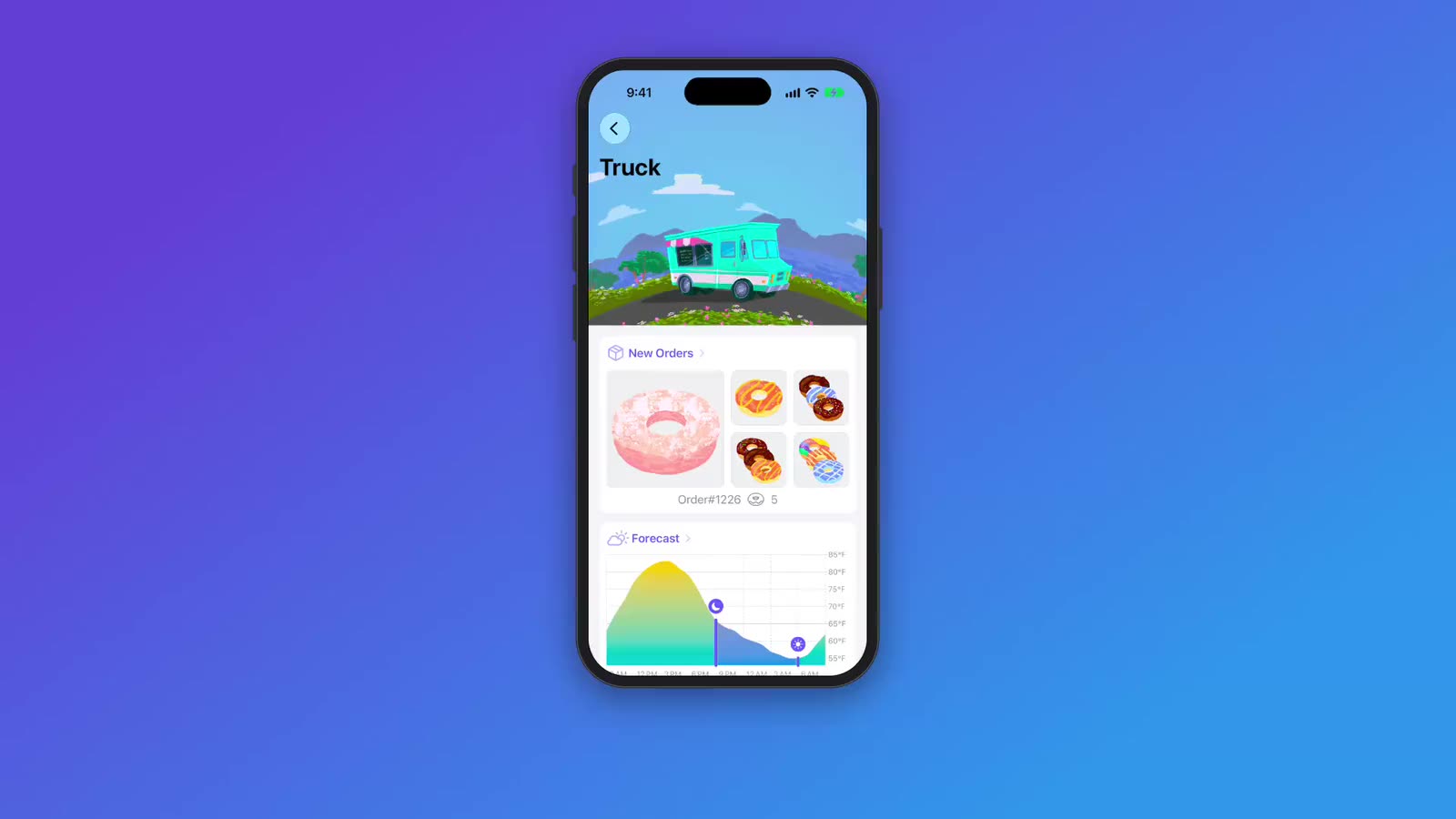
ShowTake is a Mac app with a built-in MCP server, and it handles steps 1 to 3 above for iPhone and Mac apps. Your coding agent (Claude Code, Codex, Cursor and other MCP clients) prepares a clean simulator or sizes your Mac window, taps and types through the task while ShowTake records and logs every action, then renders the take: idle time cut, zooms on each tap, the agent's step captions on screen, music from the built-in library. It exports one MP4 per preset, ready to post or to drop into a Remotion or HyperFrames composition.
Paste into your agent
Film a 20-second demo of my iOS app in the Simulator: open a truck,
pick a donut, add it to the order. One caption per step, zoom on taps,
calm music. Export 16:9 for X, then tell me where the MP4 is so I can
use it as the middle scene of my Remotion launch video.What it does not do: no animated graphics, charts or kinetic type (that is what the tools above are for), no web apps in a browser, no real-device capture, no Android and no webcam.
Free vs Pro. The free plan films, renders with music and captions, and exports the X 16:9 preset with a small watermark. Pro adds every other preset (App Previews, vertical, square, YouTube), screenshots and the launch kit, 4K, batch replays and your own audio files. Setup is one paste: connect your agent or download ShowTake. For the full recording workflow, see how to make an app demo video.
Film it with your agent
ShowTake is a Mac app with a built-in MCP server: your coding agent drives your app and ShowTake renders the zooms, captions and every export size. Free to try, with a watermark.
Common questions
Is Remotion free?
For individuals and companies of up to three people, yes. Larger companies need a Company License: $25 per seat per month for manual creation, or $0.01 per render with a $100 monthly minimum for automated rendering (remotion.dev/license, checked November 14, 2026).
What is the best open-source alternative to Remotion?
HyperFrames (Apache 2.0) if you want HTML and agent skills, Revideo (MIT) if you want TypeScript code with headless and parallel rendering, Motion Canvas (MIT) for vector explainers with an editor. Remotion itself is source-available under its own license, not an OSI open-source license.
Remotion vs Motion Canvas: which should I use?
Remotion describes each frame as a React component and renders headlessly, on servers or serverless. Motion Canvas describes animations as a timeline of TypeScript generator steps, previewed and rendered in its editor. Use Motion Canvas for hand-made explainer animation, Remotion for data-driven video and anything that renders in a pipeline.
Can Remotion or HyperFrames record my app?
No. They render what code describes. To show a real iPhone or Mac app, record it (Simulator, QuickTime or a tool like ShowTake), then place the MP4 in your composition. See how to record the iOS Simulator.
Can an AI coding agent make videos with these tools?
Yes. Remotion and HyperFrames both publish agent skills, and Revideo scenes are plain TypeScript an agent can write. For footage of your own app, an agent can drive ShowTake over MCP to film and edit it; the agents page shows the setup.
ShowTake for Mac
Let your coding agent film the demo
Your agent drives your iOS app in the Simulator or your Mac app; ShowTake records every tap and renders zooms, captions, App Store previews, screenshots and social cuts. Free to try, with a watermark.